LUMIX S9 best photo settings
The S9 is built to hand you finished, film-looking JPEGs with no computer in the loop. These are the settings that make that happen — a copy-me starting point, then the why behind each one.
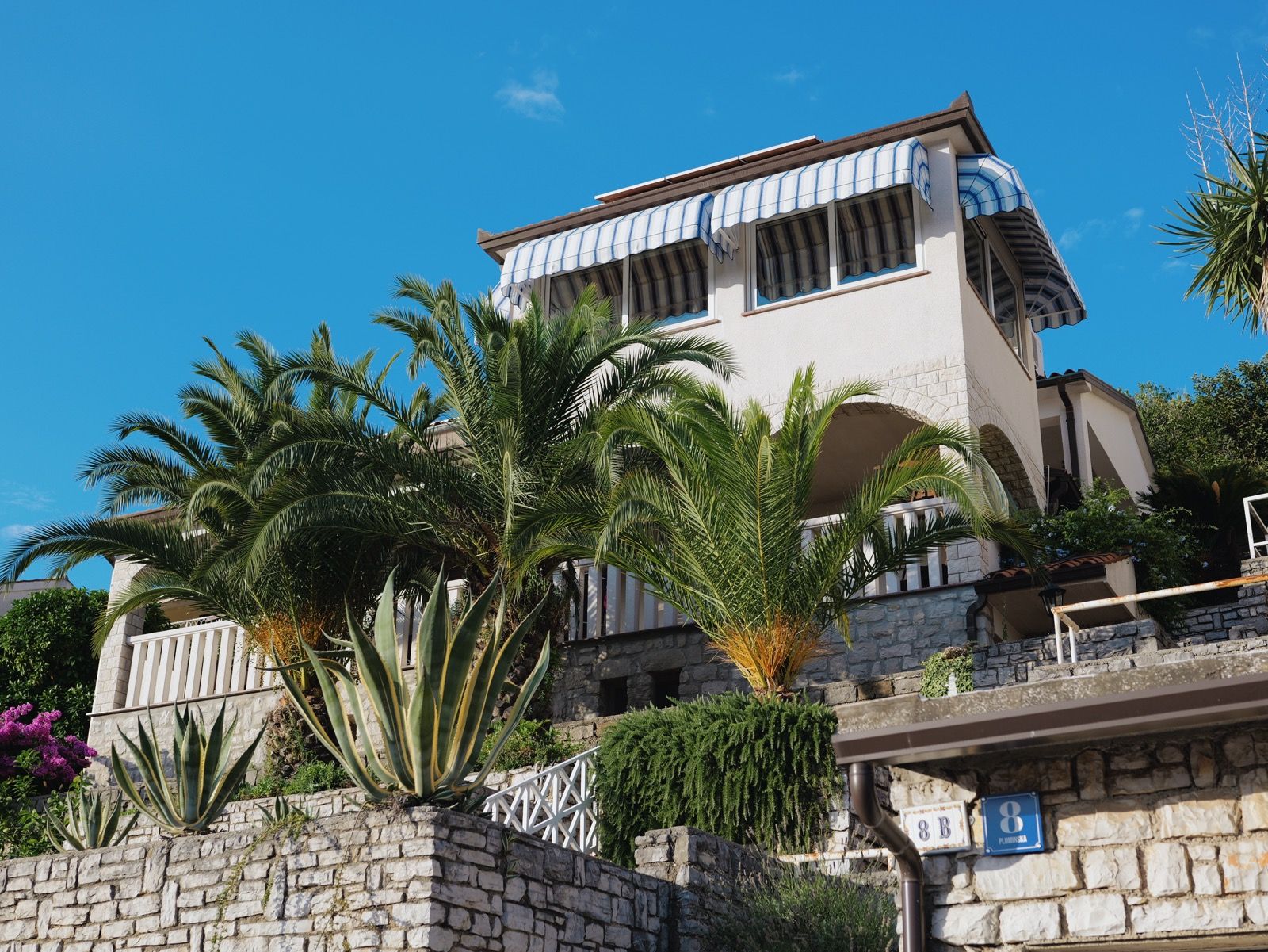
Photo Style set to a Real Time LUT, RAW+JPEG, i.Dynamic Range off, Auto white balance (or a fixed Kelvin), AFS with eye/subject detection on, Auto ISO capped near 6400 with a sensible minimum shutter, and the LUT button assigned for quick look-switching.
That gives you a finished film-look JPEG on every shot, with a RAW backup saved untouched. Everything below explains why — skip to any setting you want to understand.
Photo Style: load your look
This is the setting that matters most. Set Photo Style to a loaded Real Time LUT and the S9 bakes that film colour profile into every JPEG as you shoot. If you have not added a LUT yet, L.Classic Neo is the nicest film-leaning base built in, and Standard is the neutral default. But the whole point of the S9 is the LUT pipeline — that is where the character comes from.
New to this? See what a Real Time LUT is, then how to install one. You can try it free with a free LUMIX LUT before buying a set.
Photo quality: RAW+JPEG
Set image quality to RAW+JPEG (Fine). The Real Time LUT is applied to the JPEG, so that file is your finished film shot. The RAW is saved with no look applied — a safety net if you ever want to re-grade or recover a tricky exposure. If you are certain you will never edit and want to save card space, JPEG-only is a valid choice for a pure straight-out-of-camera workflow.
i.Dynamic Range and Highlight/Shadow: off
Turn i.Dynamic Range off and leave Highlight/Shadow flat to start. A LUT is calibrated against a specific tone curve, so automatic dynamic-range lifting can fight the look — raising shadows and flattening contrast in a way the film profile never intended. Get the look rendering as designed first, then, only if you are genuinely clipping highlights in harsh light, add a small amount back.
White balance: Auto, or lock a Kelvin
Auto white balance is reliable on the S9 and fine for everyday shooting. If you want film-like consistency across a set — where every frame shares the same warmth — switch to a fixed Kelvin value and leave it. A locked white balance is what gives a roll of shots that cohesive, unified feel, since the LUT then sits on a constant base.
Autofocus: AFS, eye and subject detection on
For stills, AFS (single) suits most photography; switch to AFC for moving subjects. Turn on subject/eye detection — the S9's phase-detect AF is quick and reliable, and eye detection keeps portraits sharp. Set AF mode to a single movable area or tracking depending on your subject.
Exposure: Auto ISO with limits
Use Auto ISO with an upper cap around 6400 (the S9's full-frame sensor is clean well up the range, but a cap keeps noise predictable) and set a minimum shutter speed so Auto ISO doesn't let the shutter drop into blur — roughly 1/(2× focal length) is a safe floor. Aperture-priority (A) mode with these limits is the fastest way to shoot: you pick depth of field, the camera handles the rest.
Custom buttons: assign the LUT
The S9 has a dedicated LUT button, but make sure a control is set to cycle or open your loaded looks quickly, and consider mapping a function button to white balance if you switch it often. Fast access to your LUTs means you actually change looks to suit a scene instead of leaving one on all day.
Amazon affiliate links. As an Amazon Associate, LumiLUTs earns from qualifying purchases, at no extra cost to you.
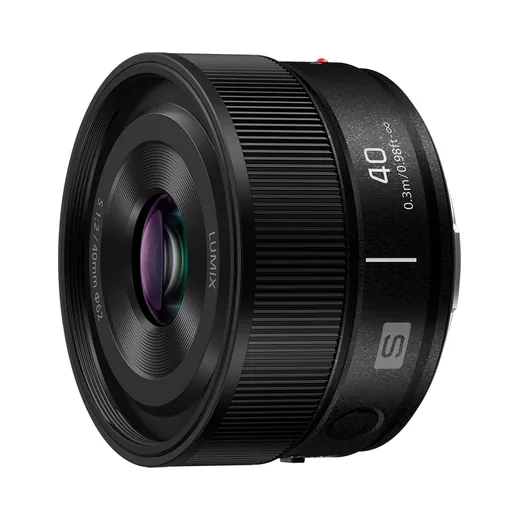
Native, bright and 144 g. The lens that keeps the S9 small.
Check price on Amazon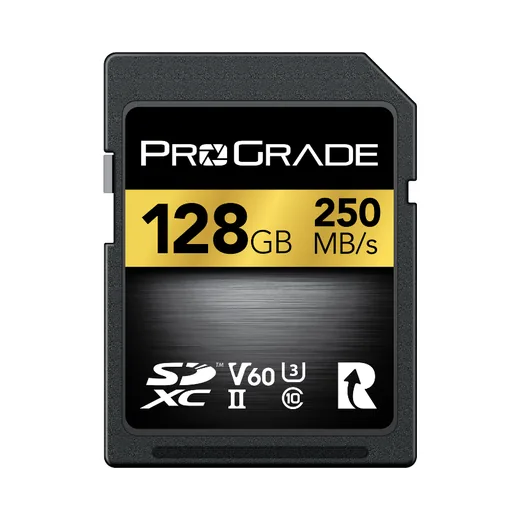
RAW+JPEG bursts clear the buffer faster on a UHS-II card.
Check price on Amazon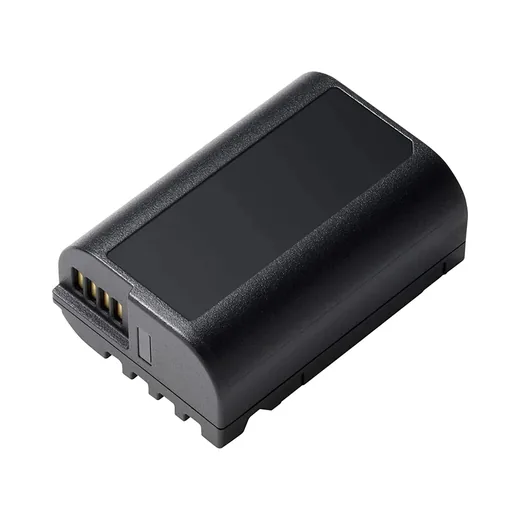
The S9's compact battery drains fast. A spare is the most useful thing you can add.
Check price on AmazonMore picks for the S9: small lenses, SD cards and accessories.
The full starting table
| Setting | Recommended | Why |
|---|---|---|
| Photo Style | Real Time LUT (or L.Classic Neo) | Bakes the film look into the JPEG |
| Quality | RAW+JPEG (Fine) | Finished JPEG + untouched RAW backup |
| i.Dynamic Range | Off | Let the LUT render as designed |
| Highlight/Shadow | Flat | Avoid fighting the tone curve |
| White balance | AWB or fixed Kelvin | Fixed = consistent set |
| Focus | AFS + eye/subject detect | Sharp everyday stills |
| ISO | Auto, cap ~6400 | Predictable noise ceiling |
| Min shutter | ~1/(2× focal length) | Prevents motion blur |
| Aspect ratio | 3:2 | Full sensor width |
Treat these as a starting point, not gospel — the S9 is a personal camera, and half the fun is finding the settings that fit how you shoot. But this setup gets you finished film frames from the first press of the shutter.
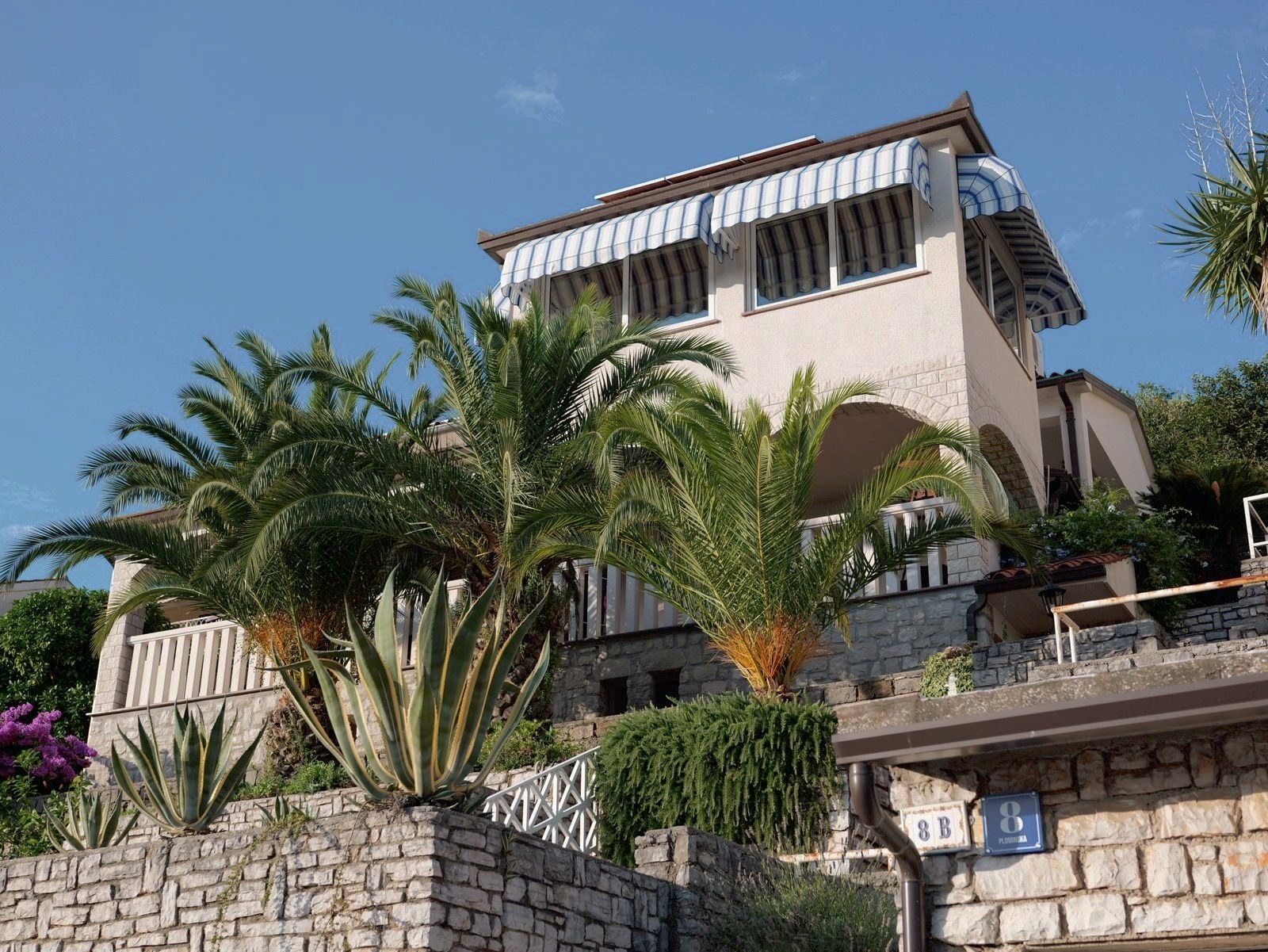
Our Kodak Portra 400 rendering: warm, forgiving skin tones and gentle contrast that holds together in almost any light.
A 33-point .cube plus the illustrated install guide. Instant download, yours forever, personal and commercial use.
LUMIX S9 settings FAQ
What are the best photo settings for the LUMIX S9?
For film-look JPEGs straight out of camera: set Photo Style to a Real Time LUT (or L.Classic Neo as a base), shoot RAW+JPEG, turn i.Dynamic Range off so the LUT renders as designed, use Auto white balance or a fixed Kelvin for consistency, AFS with eye/subject detection on, and Auto ISO capped around 6400 with a minimum shutter speed. Assign the LUT button for quick switching.
Should I shoot RAW or JPEG on the LUMIX S9?
Shoot RAW+JPEG. The Real Time LUT is baked into the JPEG so you get the finished film look with no editing, while the RAW is saved untouched as a safety net. If you never want to edit, JPEG-only is fine and saves card space.
Should i.Dynamic Range be on or off with a LUT?
Off, or low. A LUT is calibrated against a known tone curve, so aggressive i.Dynamic Range or Highlight/Shadow adjustments can fight the look and lift shadows in a way the film profile did not intend. Turn it off first, then add a touch back only if you are clipping highlights.
Does Real Time LUT work for photos on the S9?
Yes. Real Time LUT applies to both photos and video on the S9. Load a .cube LUT as a Photo Style, and every JPEG is rendered with that film look in-camera, with the RAW left unaffected.
Keep going
Settings dialled in? Load the best LUTs for the LUMIX S9, or start free with a free LUMIX LUT. Still setting up the camera? See the best small lenses, best SD cards and best accessories for the S9. Or browse all guides.