The short answer
Real Time LUT and My Photo Style are not alternatives, they work together. Real Time LUT is the film look itself, a .cube colour profile the camera applies live. My Photo Style is a set of custom slots where you save your favourite setups, including a loaded Real Time LUT, so you can recall a whole look with one press.
Put simply: Real Time LUT is what the look is. My Photo Style is where you keep it.
What Real Time LUT is
Real Time LUT is one of the options in your camera's Photo Style menu. Load a .cube file onto the camera, pick it, and every JPEG is rendered with that grade baked in, live on screen as you shoot. Your RAW is saved untouched alongside it. It is the feature that makes a LUMIX shoot finished film frames straight out of camera.
What My Photo Style is
My Photo Style is the camera's preset system: a handful of slots you fill with your own combinations. A slot can store a base Photo Style, a loaded Real Time LUT, your LUT intensity, and tweaks like contrast, highlight, shadow and saturation, all under one name. Once saved, that entire recipe is one selection away, so you are not re-loading a LUT or re-dialling settings every time.
How to save a Real Time LUT as a My Photo Style
This is the workflow that ties them together:
- Load your .cube into the camera's LUT Library (see the install guide).
- Set Photo Style to Real Time LUT and select your look.
- Dial in the LUT intensity and any tweaks you want.
- Save it to a My Photo Style slot and give it a name.
From then on, that finished look lives in a slot. On the LUMIX S9, the dedicated LUT button cycles through your saved looks instantly.
So which do you use? Both.
There is no either/or. Real Time LUT gives you the look; My Photo Style makes it a one-press preset you can switch between all day. Load a look once, save it to a slot, and shoot.
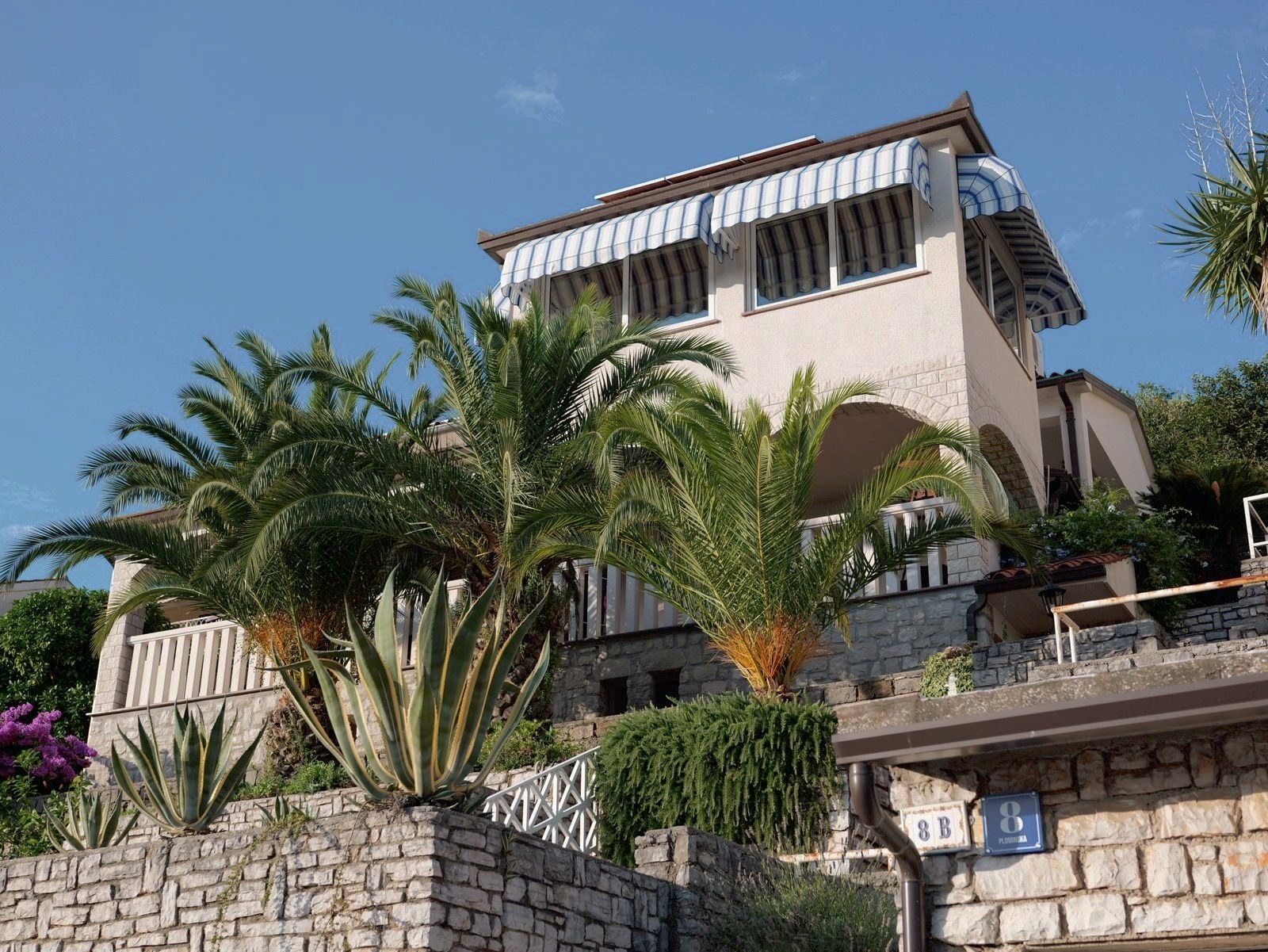
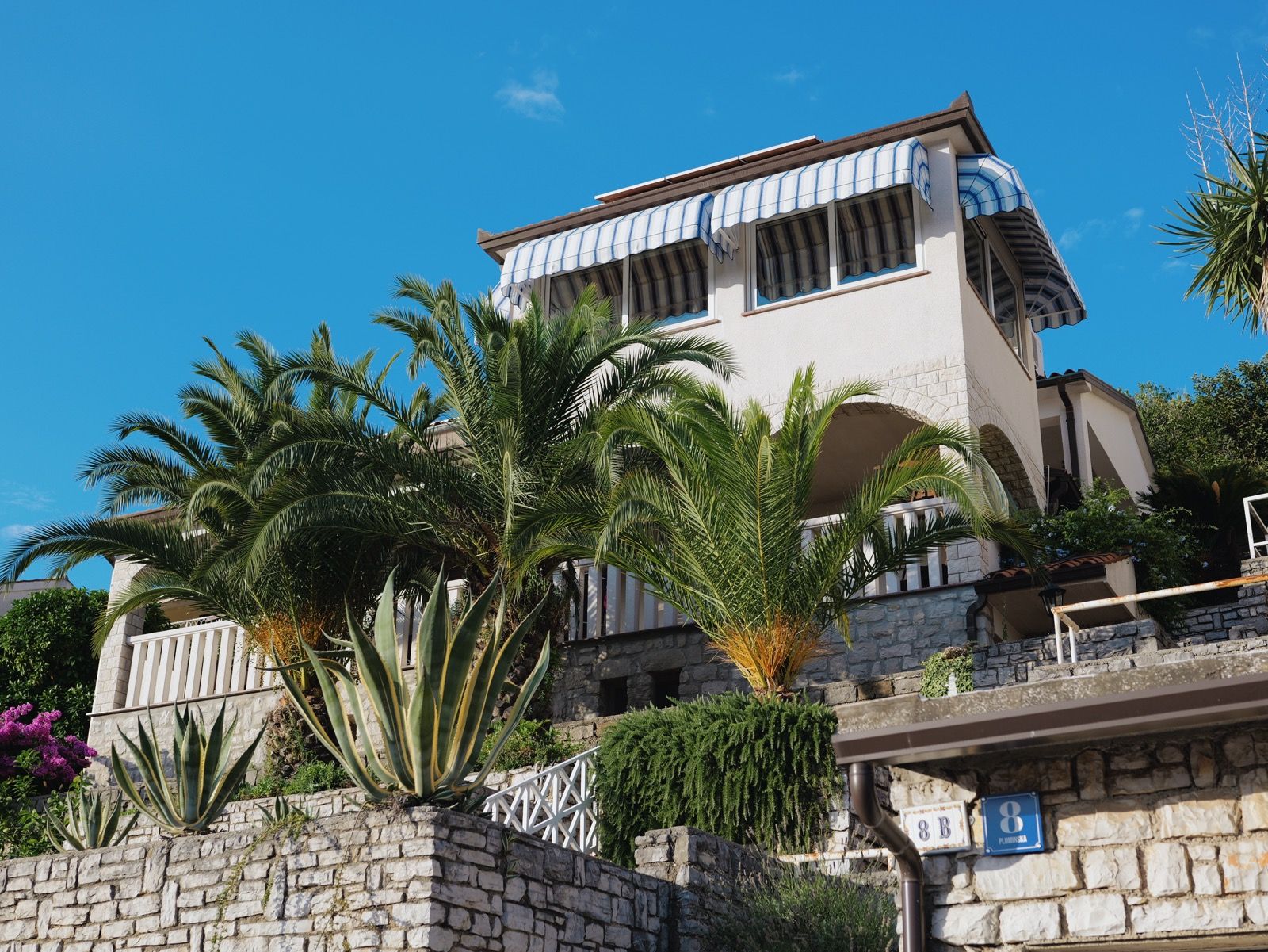
Our Kodak Portra 400 rendering: warm, forgiving skin tones and gentle contrast that holds together in almost any light.
A 33-point .cube plus the illustrated install guide. Instant download, yours forever, personal and commercial use.
See the looks you can load
Browse the looksReal Time LUT vs My Photo Style FAQ
What is the difference between Real Time LUT and My Photo Style on a LUMIX?
Real Time LUT is the film look itself, a .cube colour profile the camera applies to your JPEGs as you shoot. My Photo Style is the camera's preset system, a set of slots where you save your favourite setups (including a loaded Real Time LUT) to recall with one press. One is the look; the other is where you store it.
Can I save a Real Time LUT as a My Photo Style?
Yes. Load your .cube, select it under the Real Time LUT photo style, set the intensity and any tweaks, then save the result to a My Photo Style slot and name it. That whole recipe is then one selection away, and on the S9 the LUT button cycles through your saved slots.
Where is Real Time LUT in the LUMIX menu?
It is one of the options in the Photo Style menu, alongside Standard, Vivid, Cinelike and the rest. You first add .cube files to the LUT Library, then choose Real Time LUT and pick the loaded look.
Does My Photo Style change my RAW file?
No. Like Real Time LUT, a My Photo Style only affects the JPEG the camera renders. The RAW is saved completely untouched, so you keep full latitude to grade it differently later.