What the Fujifilm look is
Fujifilm colours are the reason many photographers pick up a Fuji body in the first place. The film simulations are known for cool, clean greens, gently restrained highlights, distinctive blues and a filmic contrast curve that looks finished straight out of camera. It reads calm and considered rather than punchy or over-saturated.
Translated into a LUT, that means a slight cool bias, greens that stay natural, highlights that roll off softly and shadows with a little depth. Fuji's most distinctive simulation, though, is Classic Negative, a muted and nostalgic look all its own. See our dedicated Classic Negative for LUMIX guide, delivered through our Ninety-Nine LUT.
Ninety-Nine: our Classic Negative style for LUMIX
Ninety-Nine carries that muted, nostalgic Classic Negative rendering across everyday light, so you get the Fujifilm feeling without switching systems or editing. Every look ships with same-scene before and after frames shot in-camera on a LUMIX, so you can see the rendering before you buy. Pair it with two more if you want a shelf of moods on your card.

How to load it on your LUMIX
There are two ways in, and both take about a minute. Full detail is in the install guide.
Wireless, via LUMIX Lab
- Save the .cube from your email to your phone.
- Add it in LUMIX Lab, pair your camera, tap Transfer to Camera.
- Press the LUT button, pick Ninety-Nine, shoot. Every JPEG lands graded.
Straight from an SD card
- Copy the .cube onto your SD card and insert it.
- Menu, Custom Menu, Photo Quality, LUT Library, then Load.
- Set opacity to taste and save to a My Photo Style slot.
Which LUMIX cameras does it work on?
Ninety-Nine is a standard .cube LUT for LUMIX Real Time LUT, so it loads on every LUMIX body that supports the feature: the S9, S5II, S5IIX, S1II, S1RII, G9II, GH7 and the new L10. It also works in desktop editors like DaVinci Resolve, Premiere and Lightroom. Shooting a specific body? See our guides for the S9, S5II and L10.


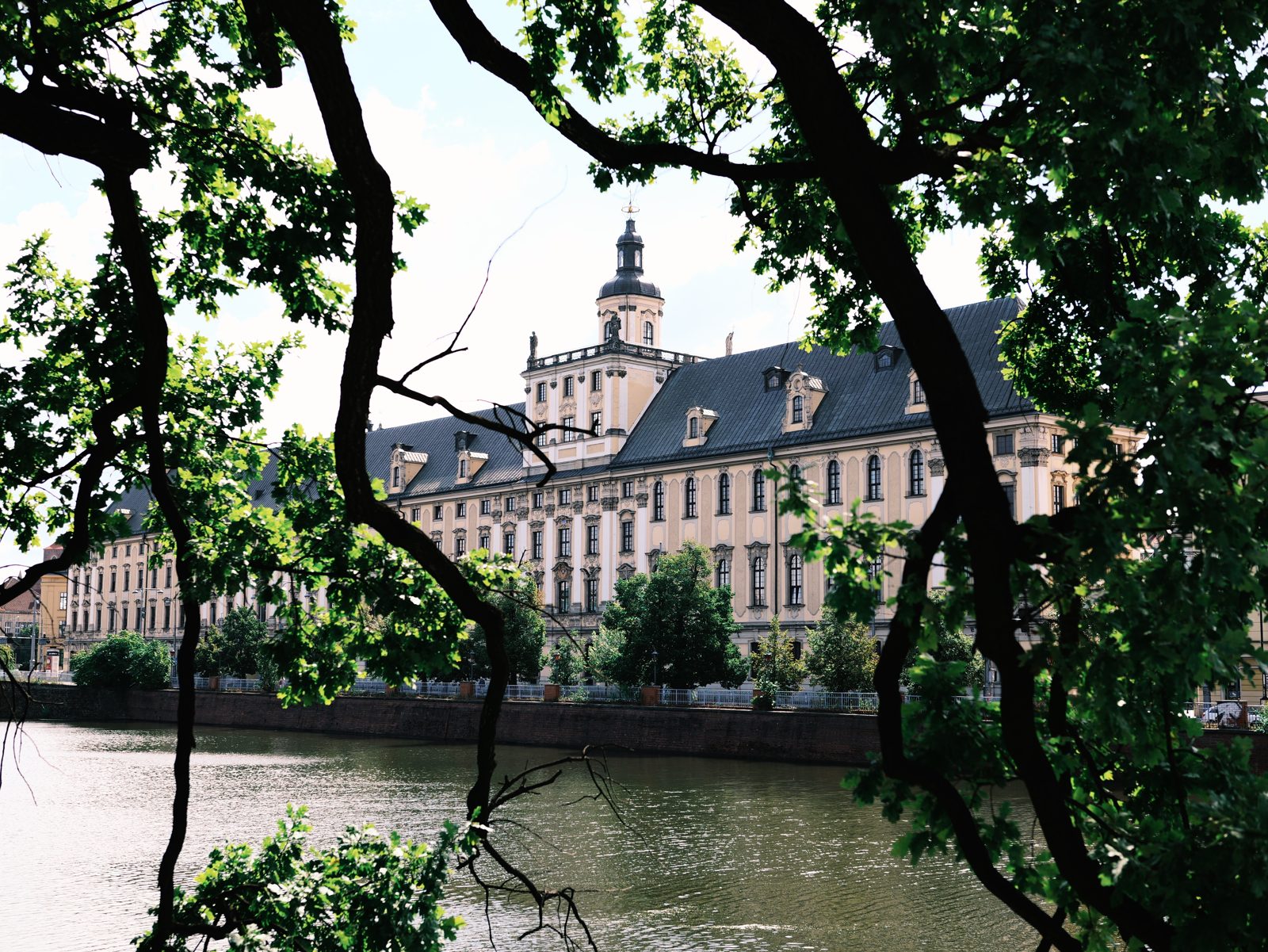
Our Classic Negative rendering: muted greens, moody shadows and that flat-but-rich negative feel.
A 33-point .cube plus the illustrated install guide. Instant download, yours forever, personal and commercial use.
More film looks for LUMIX
Chasing a different stock? We map the popular ones to a look you can shoot in-camera: Portra 400 LUT for LUMIX and Kodak Gold LUT for LUMIX. New to all this? Start with getting started with LUMIX LUTs, or compare every option in our best LUMIX LUTs roundup, or browse all our film emulation looks.
Fujifilm LUT FAQ
Is this a real Fujifilm film simulation?
No. Ninety-Nine is an independent colour emulation inspired by the look of Fujifilm film simulations. It is not made by, endorsed by or affiliated with Fujifilm. It recreates that character as a LUT you can shoot with in-camera on LUMIX.
Which LumiLUTs look is closest to Fujifilm colours?
Ninety-Nine, our Classic Negative emulation. It is built around soft teal shadows, warm highlights and restrained, filmic contrast people associate with Fujifilm film simulations.
Does the Fujifilm look work in-camera on LUMIX?
Yes. It is a .cube LUT for LUMIX Real Time LUT, so the look is previewed live and baked into the JPEG as you shoot, with the RAW saved untouched.
Will it work on my LUMIX S9 or S5II?
Yes. It works on the S9, S5II, S5IIX, S1II, S1RII, G9II, GH7 and L10, and in desktop editors like DaVinci Resolve, Premiere and Lightroom.
Can I use it in Lightroom or DaVinci Resolve?
Yes. Ninety-Nine is a standard .cube file, so it loads in most editors as well as in-camera on LUMIX. Read more about what a Real Time LUT is.