The short answer
Fujifilm bakes in a fixed set of film simulations; LUMIX lets you load any LUT you want. Fuji gives you a curated menu, Provia, Velvia, Astia, Classic Chrome, Classic Negative, Acros and so on, that you fine-tune with settings, its famous recipes. LUMIX Real Time LUT instead loads external .cube LUTs, so your looks are unlimited, swappable and fully custom, with adjustable intensity, and they apply to photo and video alike.
How Fujifilm does it
Fujifilm's film simulations are built into the camera's processing. You pick a simulation, then shape it with white balance, tone curves, colour and grain settings, combinations shooters share as recipes. It is a beautifully curated, closed system: the looks are excellent, but you cannot add a new simulation that Fuji did not ship.
How LUMIX does it
LUMIX takes the opposite approach. Real Time LUT loads .cube files, so any look that exists as a LUT, yours, a creator's, a film emulation, can live in the camera. You can carry dozens at once, dial each one's intensity up or down, swap them freely, and the same look grades your video too. The trade-off is that LUMIX gives you an open toolbox rather than a hand-picked menu, so the quality of your looks depends on the LUTs you load.
| Feature | Fujifilm | LUMIX Real Time LUT |
|---|---|---|
| Look source | Built-in simulations | Any .cube LUT you load |
| Add new looks | No, fixed set | Yes, unlimited |
| Adjust strength | Via settings | LUT intensity slider |
| Your own looks | Recipes only | Full custom LUTs |
| Photo and video | Photo-focused | Both |
| Community | Fuji recipes | Creator LUTs |
Can you get Fujifilm looks on a LUMIX?
Yes, and that is one of the nicest things about the open system. A Classic Negative-style look, for example, is just a LUT, so you can shoot it in-camera on a LUMIX. Our Ninety-Nine look is our take on that muted, nostalgic Classic Negative feel, and the Fujifilm-style LUTs for LUMIX page covers the family.
Which is right for you
If you love Fuji's curated looks and the recipe community, the Fuji system is hard to beat on its own terms. If you want unlimited, fully custom looks, intensity control, and one grade that carries from photo to video, LUMIX Real Time LUT gives you that freedom, and you can still put Fuji-style looks on it.
Which Fujifilm simulation maps to which LUMIX look
The most practical question is not which system wins, it is which look you are chasing. Fuji's simulations are the reference point most people have in their head, so here is how they translate onto a LUMIX, including the ones where there is honestly no close match yet.
| Fujifilm simulation | Character | Closest on a LUMIX |
|---|---|---|
| Provia / Standard | Neutral, true-to-life | North Light |
| Velvia / Vivid | Saturated, punchy landscape | Vibrance |
| Astia / Soft | Soft contrast, flattering skin | Vintage Summer |
| Classic Negative | Muted, teal shadows, warm highs | Ninety-Nine |
| Nostalgic Neg. | Warm, amber, seventies album | Amber 200 |
| PRO Neg. Std | Low contrast portrait negative | Porcelain |
| Classic Chrome | Desaturated documentary slide | No close match yet |
| Acros / Monochrome | Black and white with grain | No match, LumiLUTs is colour only |
| Eterna / Cinema | Flat cinematic for video | No match, use a V-Log workflow |
Two of those gaps are real and worth saying out loud. If black and white is the reason you are looking at Fuji, no LUT we sell will replace Acros today. If you want a flat cinematic base for video grading, that is a V-Log job rather than a Real Time LUT one.
What happens to your RAW
Both systems leave the RAW file alone, but they differ in what you can do afterwards, and that matters more than it sounds.
On Fujifilm the simulation is recorded alongside the RAW, so you can re-develop the same file with a different simulation later, in-camera or in Fuji's own software, and several third-party editors can apply the simulations too. The look is recoverable and swappable after the fact.
On a LUMIX the Real Time LUT is baked into the JPEG and the video, and the RAW is written completely untouched with no reference to the LUT. That is cleaner in one sense, you keep a totally neutral negative, but it also means the JPEG is the only place that look exists. If you want it back on the RAW you apply the same .cube file in Resolve or Lightroom, which works precisely because .cube is a universal format rather than a proprietary one.
What Fujifilm still does better
Worth being straight about this rather than selling past it.
- Curation. Fuji's simulations were designed by the company that made the film. They are coherent as a set in a way an assembled pile of third-party LUTs often is not.
- The recipe community. Sites like Fuji X Weekly have built years of shared, tested settings. Nothing of that scale exists for LUMIX yet, which is part of why we publish Photo Style recipes for free.
- Black and white. Acros is genuinely excellent and has no equivalent in the LUT world right now.
- No file management. Fuji simulations are simply there. On a LUMIX you are loading files into a LUT Library with naming rules and a 39-slot ceiling.
The flip side is the one thing Fuji cannot do: if the look you want is not in Fuji's menu, you cannot add it. On a LUMIX you can, and the same file grades your video and your RAW in post.
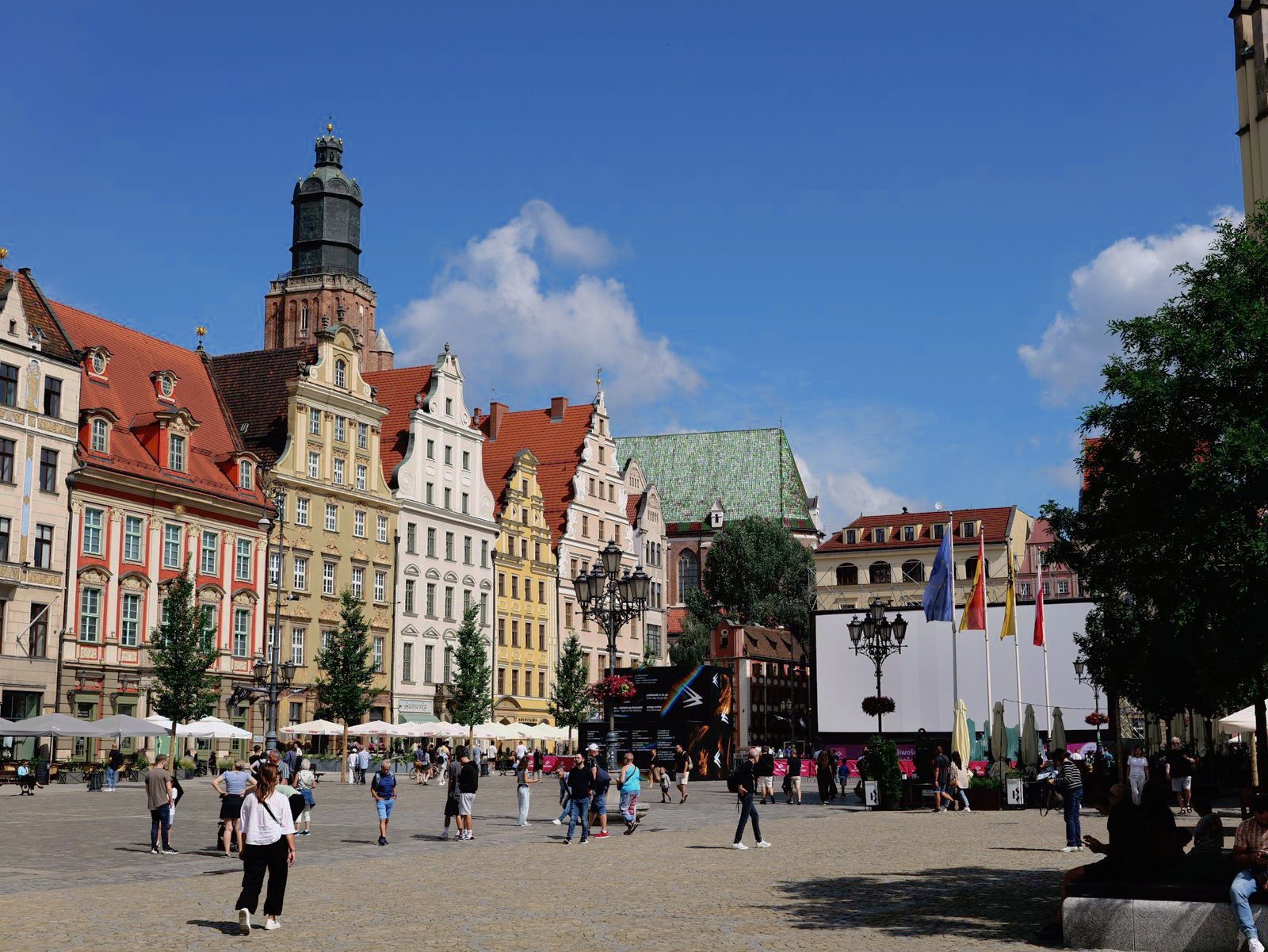
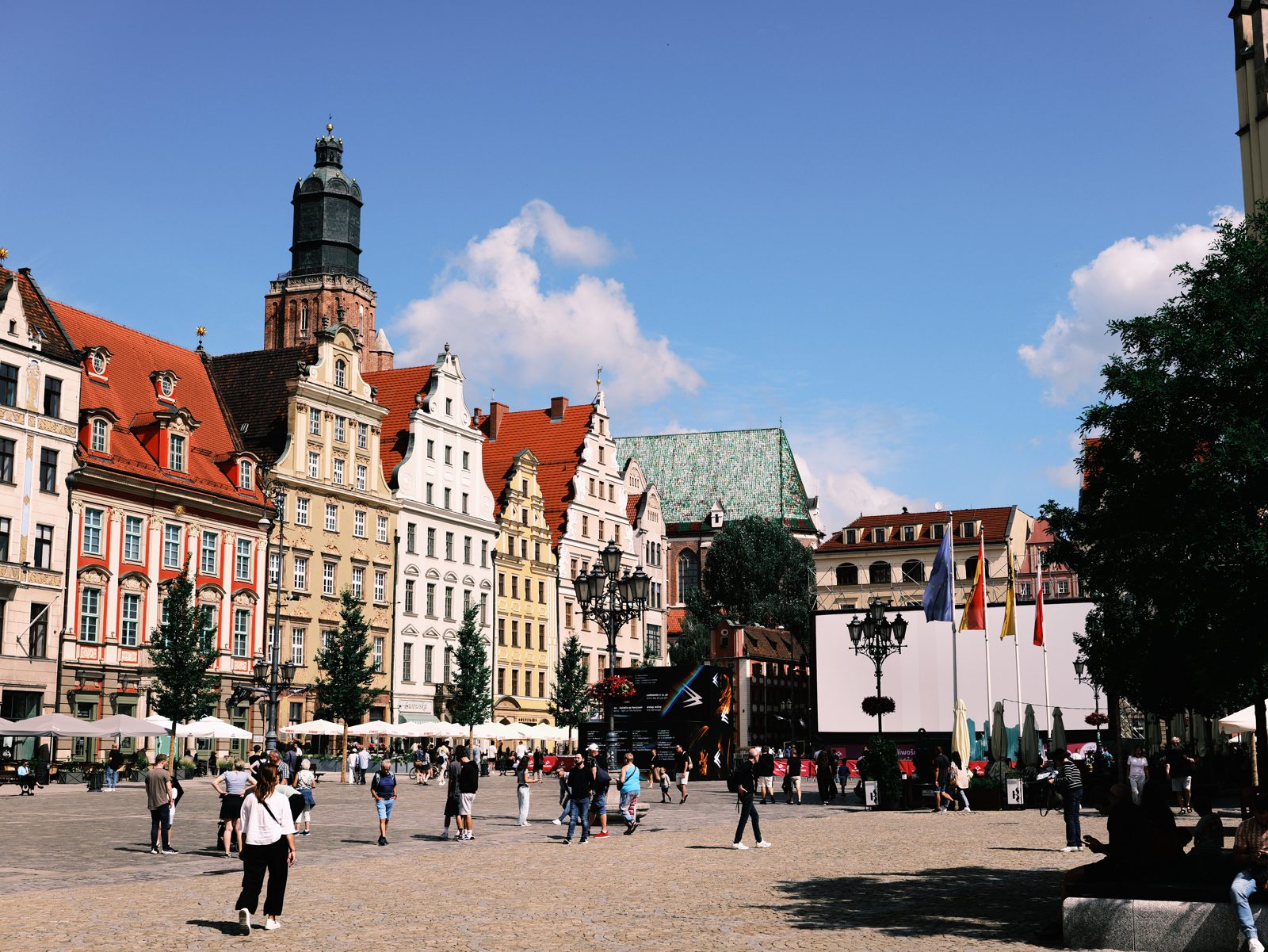
Our Classic Negative rendering: muted greens, moody shadows and that flat-but-rich negative feel.
A 33-point .cube plus the illustrated install guide. Instant download, yours forever, personal and commercial use.
Try a Classic Negative-style look
See Ninety-NineLUMIX vs Fujifilm FAQ
What is the difference between LUMIX Real Time LUT and Fujifilm film simulation?
Fujifilm film simulations are a fixed set of looks baked into the camera that you tune with settings (recipes). LUMIX Real Time LUT instead loads external .cube LUTs, so your looks are unlimited and fully custom, with an adjustable intensity, and they apply to both photo and video. Fuji is a curated menu; LUMIX is an open toolbox.
Can I get Fujifilm film looks on a LUMIX?
Yes. Because a film look can be built as a .cube LUT, you can shoot Fuji-style looks in-camera on a LUMIX. Our Ninety-Nine look emulates the muted Classic Negative feel, and any similar look loads through Real Time LUT.
Does LUMIX have film simulations like Fujifilm?
LUMIX does not ship a fixed menu of named film simulations the way Fujifilm does. Instead it offers Real Time LUT, which loads any .cube film-emulation LUT you like, giving you a broader and fully customisable set of looks.
Are LUMIX Real Time LUTs better than Fuji recipes?
Neither is strictly better; they are different systems. Fuji recipes are curated and beloved but limited to Fuji's simulations. LUMIX Real Time LUTs are open and unlimited, so you can load, customise and swap any look, at the cost of curating your own library.
Can I get Acros or black and white film simulation on a LUMIX?
Not as a direct equivalent. Acros is Fujifilm's black and white simulation with its own grain rendering, and there is no LUT that reproduces it faithfully. A LUMIX can load a monochrome .cube LUT, but LumiLUTs is a colour-only set today, so if black and white is your main reason for choosing a system, Fuji has the advantage.
Does the LUMIX Real Time LUT affect the RAW file?
No. The look is baked into the JPEG and the video only, and the RAW is saved completely untouched with no reference to the LUT. Fujifilm works differently: the simulation is recorded alongside the RAW so it can be re-developed with a different simulation later. To get a LUMIX look back onto a RAW, apply the same .cube file in Resolve, Premiere, Final Cut or Lightroom.
Fujifilm, Provia, Velvia, Astia, Classic Chrome, Classic Negative and Acros are trademarks of FUJIFILM Corporation. LUMIX is a trademark of Panasonic. LumiLUTs is independent and not affiliated with, endorsed by, or sponsored by either company; our looks are original colour emulations, not the manufacturers' profiles.