What a LUT actually is
A LUT, or colour look-up table, is a small .cube file that remaps the colours in an image. Feed it a colour and it returns a new one, and applied across a whole frame that becomes a consistent look: a warm film stock, a cool cinematic grade, a particular skin rendering.
A Real Time LUT is a LUT the camera applies live, in the moment you press the shutter, rather than something you add later on a computer.
How it works on a LUMIX
You load a .cube file onto the camera once (see the install guide), select it as your look, and from then on every JPEG is rendered with that grade baked in. You even see the look live on the screen as you compose. The result lands on your card already finished, no Lightroom, no export.
Your RAW stays safe
This is the part people worry about: the look is applied only to the JPEG the camera makes. The RAW is saved completely untouched next to it. So you get a finished film frame instantly, and full latitude to grade the RAW differently later if you ever want to.
Which cameras have it
The feature arrived with the S5II and is on the S9, S5II, S5IIX, S1II, S1RII, G9II, GH7 and L10, with more added by firmware over time. If your camera has a Photo Style called Real Time LUT, it is compatible. On older bodies you can still use the same .cube files in editing software.
Why shoot with a LUT instead of editing later
Both give you a film look. The difference is where and when the work happens. In-camera, the look is finished the instant you shoot, with no computer, which is faster and simpler for photographers who just want the photograph. Editing later gives maximum frame-by-frame control. Because a LumiLUTs look is the same .cube in both places, you can shoot it in-camera and still grade the RAW in Resolve if a shot ever needs it.

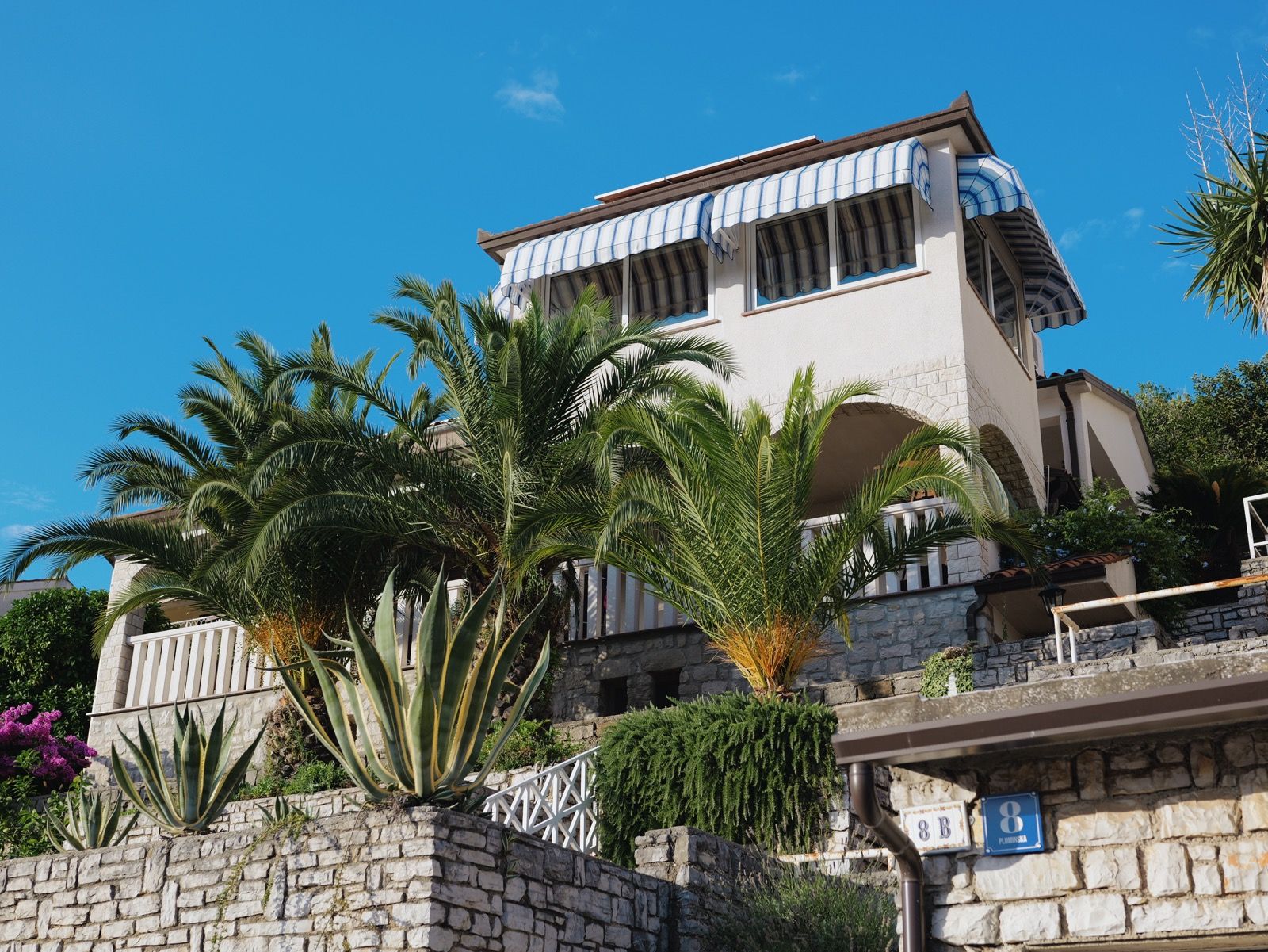
Our Kodak Portra 400 rendering: warm, forgiving skin tones and gentle contrast that holds together in almost any light.
A 33-point .cube plus the illustrated install guide. Instant download, yours forever, personal and commercial use.